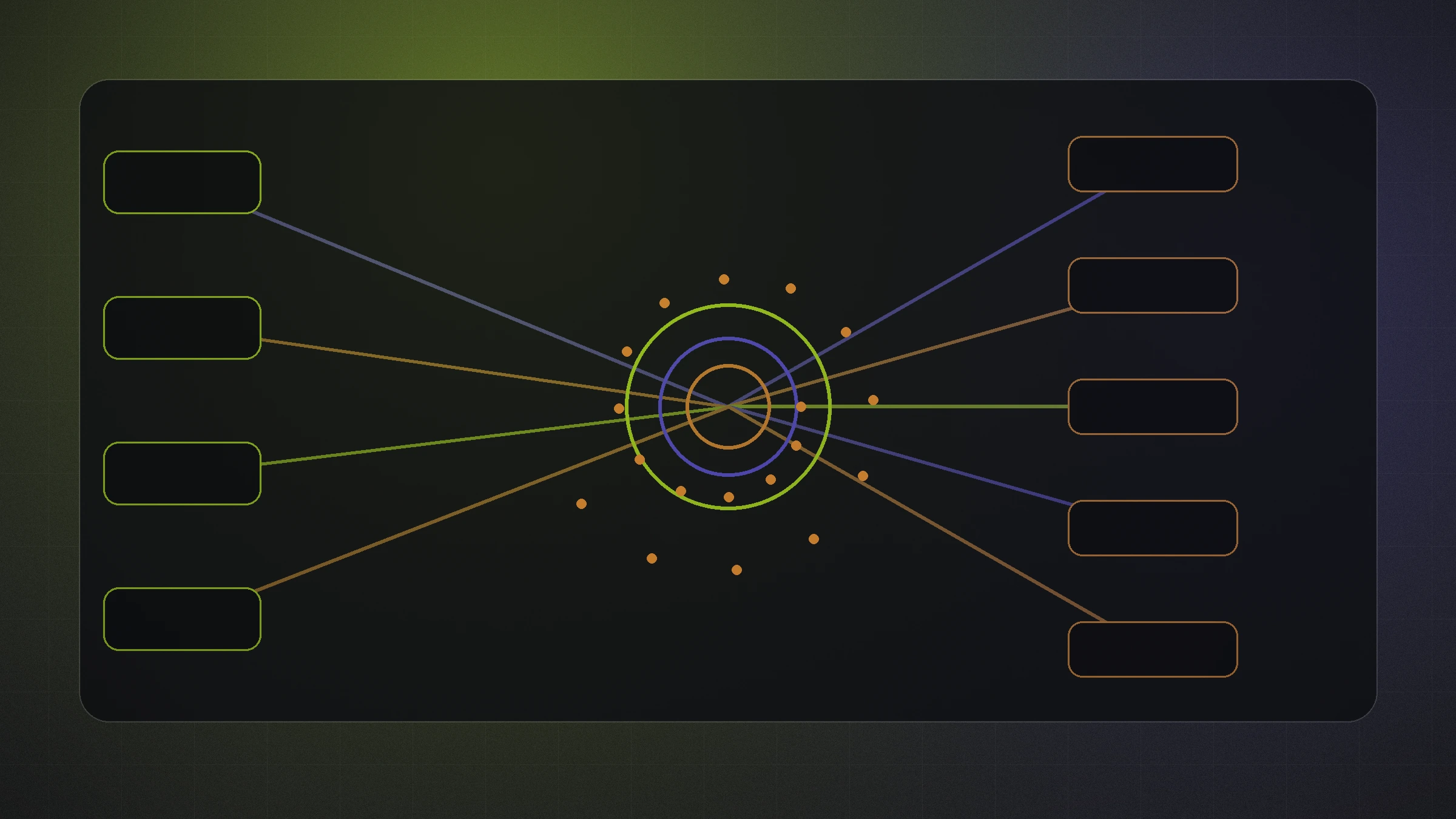
AI automation creates the most value when it improves a real business process. It can help teams respond faster, move information between systems, reduce repetitive work, summarize complex inputs, coordinate follow up, and make reporting easier to use.
It can also automate a poorly understood workflow, produce confident but inaccurate output, expose sensitive information, or create a system nobody knows how to recover when it fails.
The right starting point is not “Where can we add AI?” It is “Where is the business repeatedly losing time, consistency, information, or opportunity?”
Start with a defined operational problem
Look for repetitive handoffs, delayed responses, manual data entry, inconsistent follow up, duplicate reporting, and information copied between tools.
Before building anything, document:
- The event that starts the workflow
- Information required
- Systems involved
- Decisions that must be made
- Person responsible
- Expected result
- Exception cases
- Recovery process
This separates a useful automation opportunity from a vague technology experiment.
Connect lead capture to immediate action
A website form, phone call, chat, purchase, or advertising lead should not remain unnoticed in an inbox.
A connected workflow can:
- Capture and validate the record
- Identify the service, product, location, or urgency
- Assign the correct owner
- Create a CRM record or task
- Send an appropriate confirmation
- Alert the responsible person
- Start a follow up sequence when appropriate
- Stop automation when a human responds or the lead changes stage
AI can summarize calls and messages or extract useful details. Sensitive or ambiguous requests should always have a clear human review path.
Use AI for the work it performs well
AI can be useful for:
- Classification
- Summarization
- Structured data extraction
- Draft creation
- Pattern recognition
- Recommendations
- Search across approved internal knowledge
- Translating unstructured requests into workflow inputs
Important decisions still need business rules, confidence thresholds, audit trails, and human accountability.
The team should know what information the model receives, which outputs are reviewed, and what happens when the model is uncertain.
Coordinate communication without creating noise
Customers experience one organization even when the business uses separate systems for email, text messaging, CRM, ecommerce, scheduling, phone calls, and support.
Automation can help those systems share context and keep communication timely. It should also respect consent, frequency, channel preferences, and stop conditions.
The goal is not more automated messages. It is fewer dropped conversations and more relevant communication.
Turn reporting into a decision system
Teams often spend hours combining information from advertising platforms, website analytics, ecommerce, call tracking, and CRMs.
Automation can collect and normalize data, flag unusual changes, and distribute dashboards or summaries. AI can help explain possible causes, but it should distinguish measured facts from hypotheses and reference the underlying information.
Reporting becomes more valuable when it connects activity to qualified leads, revenue, margin, capacity, customer experience, and operational goals.
Design for exceptions and recovery
Every workflow eventually encounters missing data, duplicate records, unavailable APIs, expired credentials, unexpected customer behavior, or an output that does not meet the confidence threshold.
Build:
- Input validation
- Logs
- Alerts
- Retries
- Duplicate protection
- Confidence thresholds
- Fallback owners
- Manual recovery steps
- Version and change documentation
Test normal cases, edge cases, and deliberate failures before relying on the workflow.
Protect sensitive information
Define which information an automation is allowed to access, store, transform, and send. Use the minimum data required for the task.
Review vendor terms, access controls, retention, logs, consent, and the consequences of a mistaken output. Higher risk decisions involving legal, financial, medical, employment, or other sensitive matters require stronger controls and qualified human oversight.
Security and privacy are parts of workflow design, not final settings added after launch.
Measure operational improvement
Useful measures may include:
- Response time
- Task completion time
- Manual steps removed
- Error reduction
- Staff capacity
- Lead routing accuracy
- Follow up completion
- Customer satisfaction
- Conversion rate
- Revenue impact
Establish a baseline before launch. A workflow that saves only a few minutes per transaction may still create large value at high volume. Another may be valuable because it prevents a small number of expensive failures.
Build an automation roadmap
Prioritize workflows using four questions:
- How frequently does the process occur?
- How much friction or delay does it create?
- How costly is an error?
- How clearly can success be measured?
Begin with a contained workflow that has clear ownership and measurable value. Learn from it before expanding automation across the organization.
Common questions
Which process should a business automate first?
Start with a frequent, repeatable process that creates delays or manual errors and has a clear owner. Lead routing, reminders, status updates, reporting, and structured data entry are common candidates.
Will AI replace employees?
The strongest implementations remove repetitive work and provide better information so people can focus on judgment, relationships, creativity, and complex decisions.
How can a business prevent automation failures?
Use validation, logs, alerts, retries, confidence thresholds, exception handling, human approval where needed, and a documented recovery process.